In early September, I was lucky enough attend Write the Docs Prague 2017, a three-day conference where some of the brightest minds in techcomm get together and discuss the field's hottest topics.
I picked up a bunch of handy tips at the event – here are some personal highlights. You can find further details about all the speakers and talks mentioned below on this page.
Writing Successful Get Started Documentation
Get started guides demonstrate the value of your product to new users, and help them get them up and running smoothly. They are a central part of any good user manual – so I was excited when I took a look at the conference program and saw that Tim Rogers would be holding a talk about this very topic.
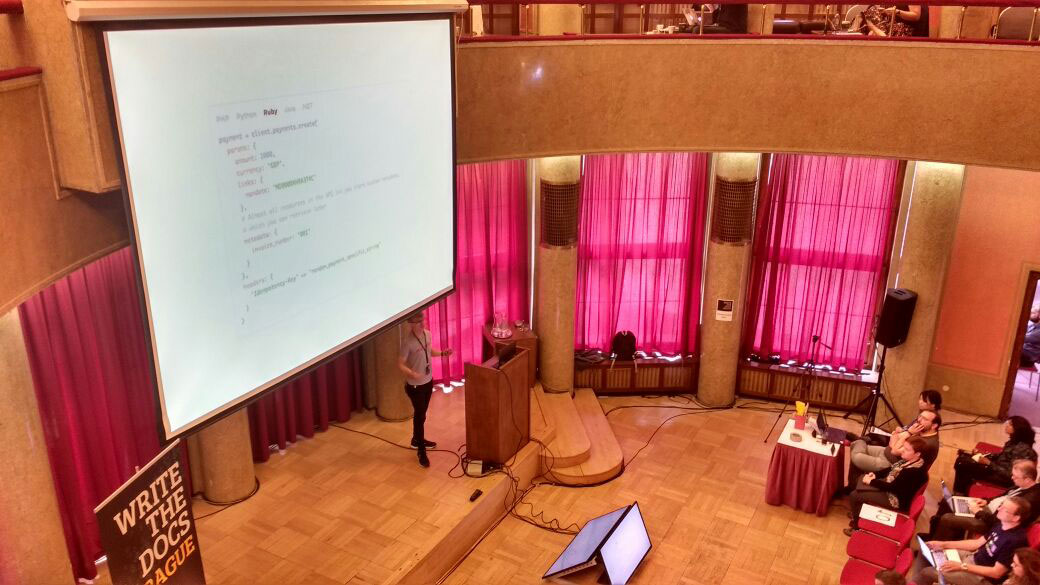
I picked up numerous tips, including the importance of keeping get started guides short and sweet, and how to show the reader the value of a product as quickly and directly as possible.
Categorize Doc Articles to Build a Clear Structure
Structuring your docs well is always a challenge, but there are some easy ways to start getting things in order. As Daniele Procida explained in his presentation What nobody tells you about documentation, you can make a good first step by splitting your docs into four separate, distinct categories (tutorials, how-tos, reference articles and explanations), each with a specific structure and way of reaching a set goal.
Successfully Crowdsourcing Docs
My third highlight comes from Becky Todd's talk, A content manager's guide to crowdsourcing the docs.
Watching the talk, I learned that crowdsourcing documentation from colleagues is a fantastic way of removing bottlenecks in the authoring process. However, this approach is not without its challenges – in the talk, Becky provided effective solutions for how to keep quality levels consistently high when crowdsourcing content. I learned that it's important to (among other things) build a clear, well-documented content creation process, use style guides, and to provide templates for different information types.
Tag Your Doc-Related Tickets for a Smoother Workflow
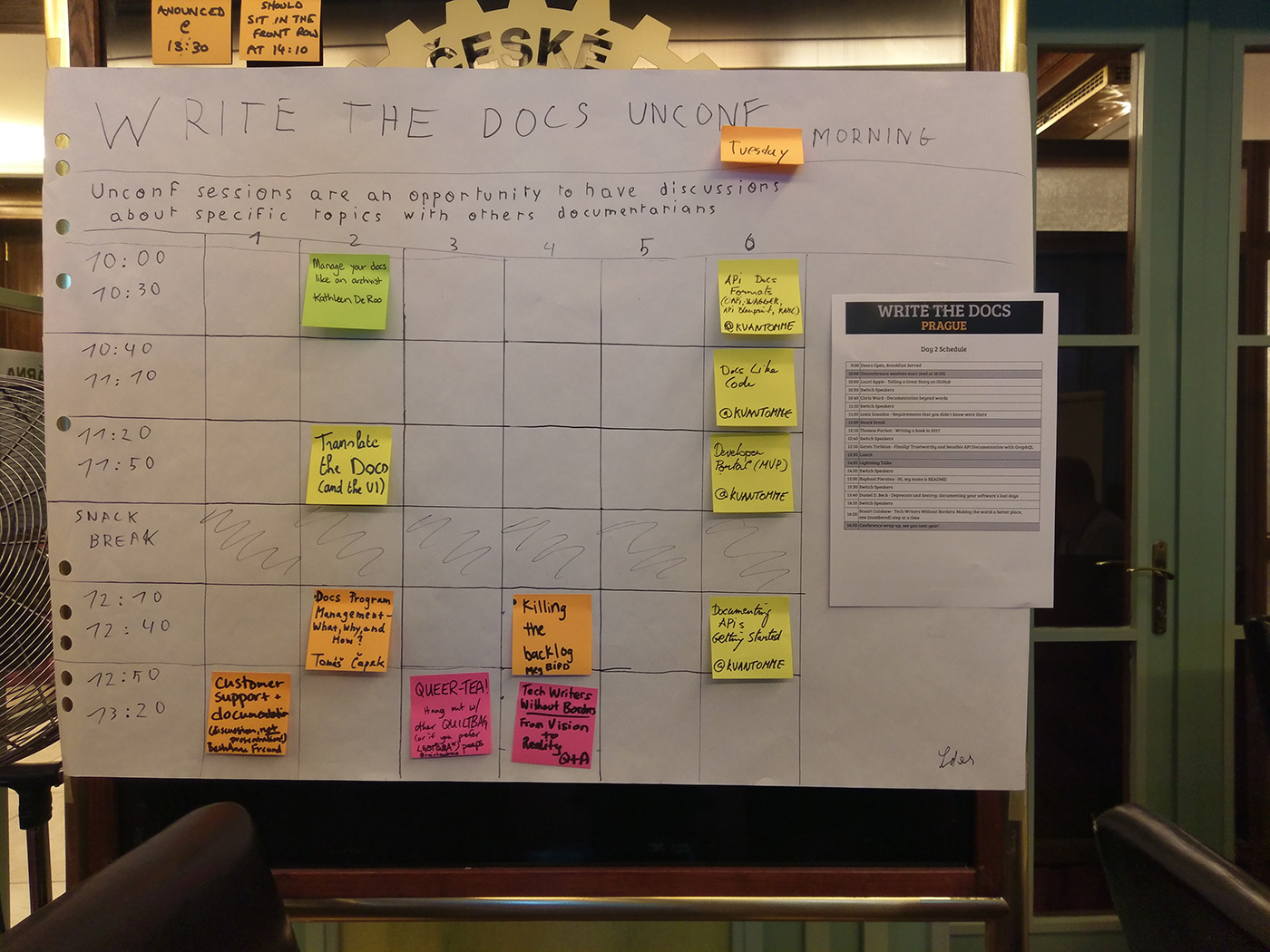
At an 'unconference' session I attended, I also picked up a useful tip on how to learn where your docs may need tweaking. Simply ask your support agents to tag any doc-related ticket with a 'doc' tag, and then review all these tickets every week. This will give you a picture of where information might be missing from your documentation.
Any Other Insights?
I hope you found these insights as interesting and helpful as I have. If you have any questions about these points – or even if you have some helpful documentation-related tips of your own to add – please comment below and I'll be delighted to discuss them.


